
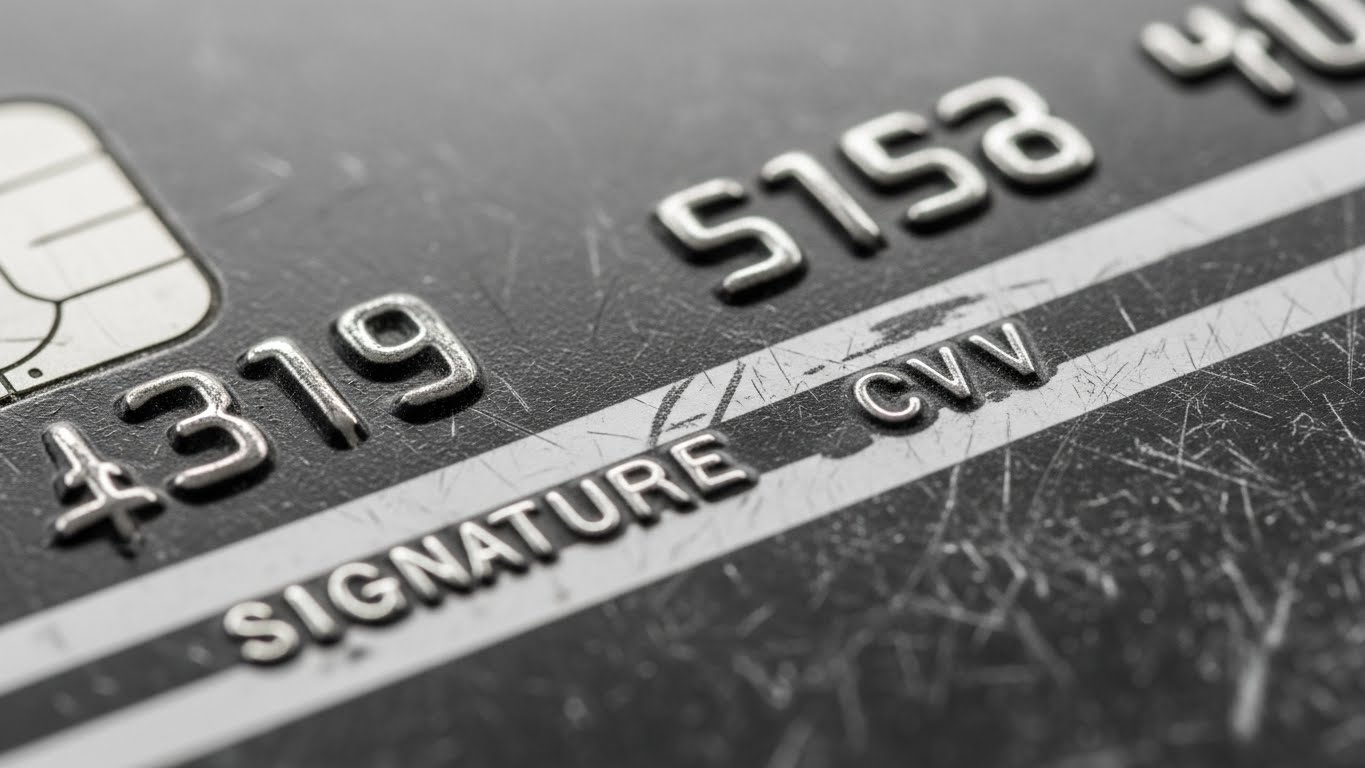
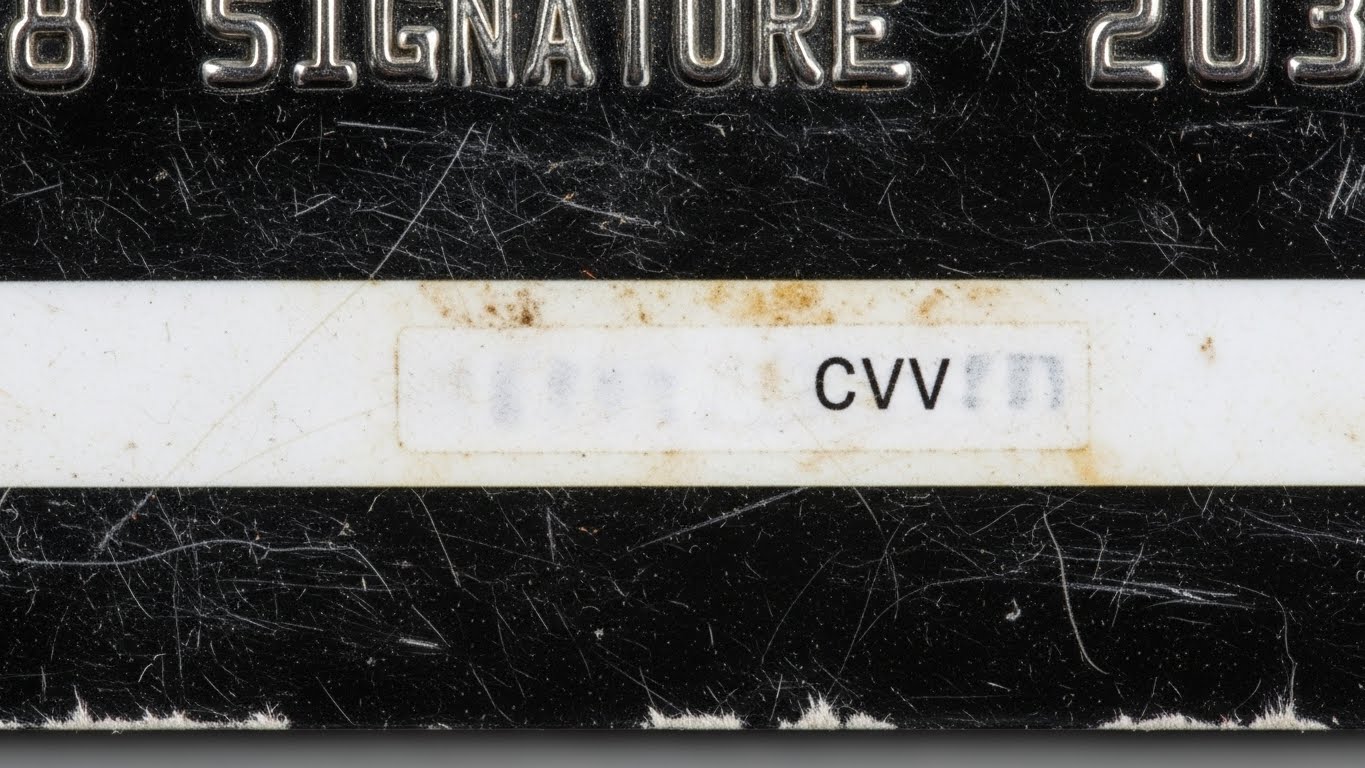
It usually happens at the worst possible time: you’re at the final checkout screen for a long-awaited purchase, and the site asks for your CVV. You flip your card over, only to realize the three digits have been completely rubbed off by years of swipes and wallet friction.
A faded or missing security code (CVV/CVC) is a common issue for well-loved cards. Since this code is essential for “Card-Not-Present” transactions (online shopping), not being able to read it effectively “locks” your card from the internet. Here is how you can find your CVV without the physical numbers and how to fix the problem for good.
If your CVV is rubbed off, you can often find it in your bank’s mobile app under “Card Details” or “Virtual Card.” You can also check your original welcome mailer. If these aren’t options, you will need to request a replacement card from your bank, as CVV codes are not printed on monthly statements for security reasons.
1. Check Your Bank’s Mobile App (The Fastest Fix)
In 2026, most modern banks (like ABA, Amex, or Chase) have moved toward digital-first security. You no longer need the physical card to see your details.
- View Digital Card: Open your banking app and look for a section labeled “Cards,” “Manage Cards,” or “Digital Card.”
- The “Eye” Icon: Many apps hide the CVV behind a security wall. Look for an icon that looks like an eye or a button that says “Show CVV.” You may need to use FaceID or your PIN to reveal it.
2. Look for the Original Welcome Letter
When your card was first mailed to you, it was likely attached to a paper document containing your account terms.
- The Sticker: Sometimes the CVV is included in the activation instructions on that paper.
- Note: For high-security reasons, banks are moving away from printing CVVs on letters, but it is worth checking your filing cabinet for the original mailer if your app doesn’t show it.
3. Use Your “Virtual Card” Version
Many credit card issuers now provide a “Virtual Card Number” that is different from your physical one.
- If you use Apple Wallet, Google Pay, or a Virtual Card (like an ABA Virtual Visa), these have their own unique CVVs stored securely in your phone. You can use these for online shopping even if your physical card is unreadable.
4. What NOT to Do: Can You Call the Bank?
A common question is: “Can the customer service agent just tell me my CVV over the phone?”
- The Answer is No. For your protection, bank employees do not have access to your CVV code. It is encrypted in their system. If you call them, their only solution will be to cancel your current card and mail you a new one.
How to Prevent Your CVV from Fading Again
- Clear Tape Hack: Once you get a new card, place a small piece of clear office tape over the CVV. This prevents friction from rubbing the ink away.
- Wallet Placement: Avoid placing your card in tight slots where the magnetic strip of another card can rub against your security code.
- Go Digital: Use digital wallets (Apple/Google Pay) for in-person transactions to reduce the “wear and tear” on your physical card.
Frequently Asked Questions (FAQs)
Can I find my CVV on my monthly statement?
No. To prevent fraud, banks never print the CVV or the full 16-digit card number on your paper or digital statements.
Can I write the CVV back on with a marker?
You can, but it is not recommended. Sharpie ink can smudge and potentially damage card readers. It’s better to memorize it or store it in a secure password manager.
Does a new replacement card have the same CVV?
Usually, no. When you request a replacement because a card is “damaged” or “unreadable,” the bank typically issues a new CVV and expiration date for security, even if the 16-digit number stays the same.
Conclusion
A rubbed-off CVV doesn’t mean your card is useless, but it is a sign that it’s time for an upgrade. Use your banking app to complete your current purchase, then request a replacement card to ensure you aren’t stuck in a “code-less” situation again in the future.
Disclaimer: This article is for informational purposes only. FixMyCard.com is not a bank or financial institution. For account-specific issues, please contact your bank or card issuer directly.
READ MORE: Is Paying Rent With a Credit Card Ever Worth the Fees? (2026 Guide)