
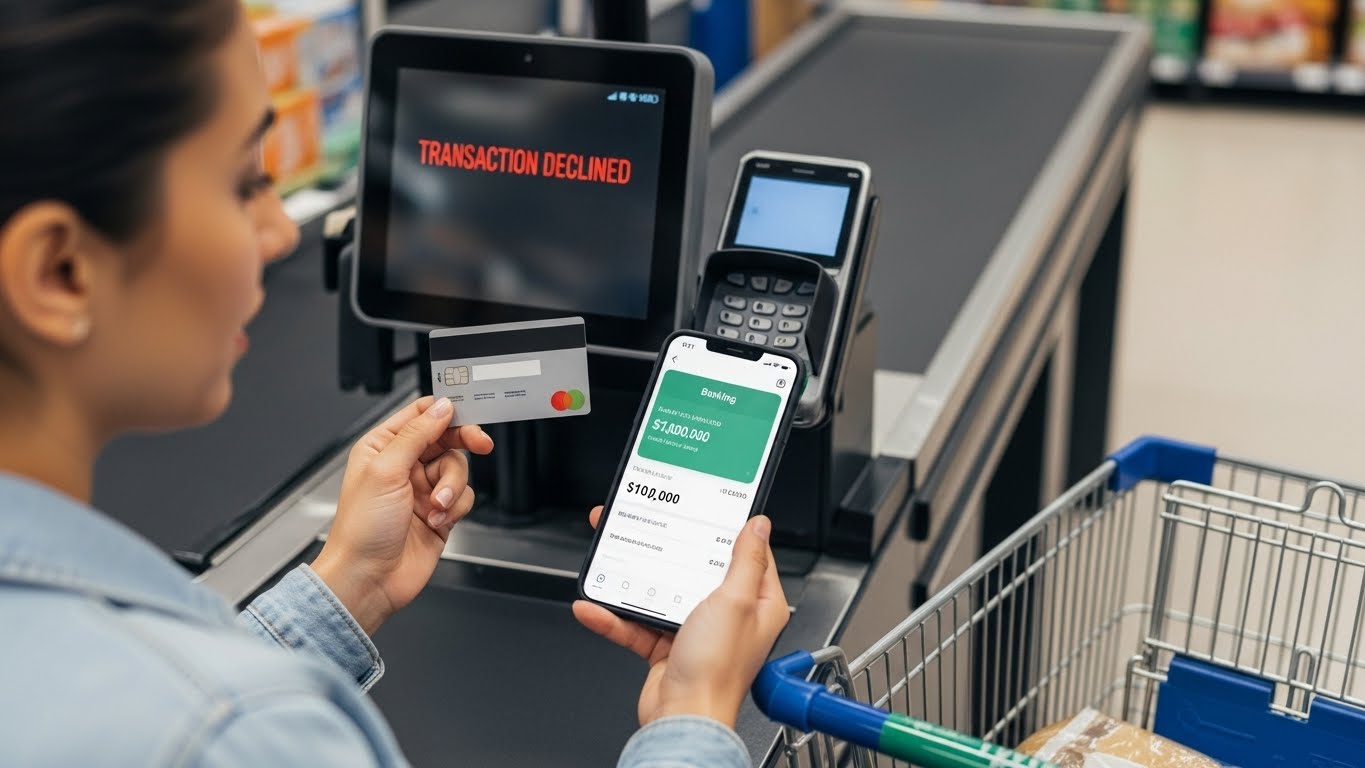
There is nothing quite as frustrating as seeing “Transaction Declined” when your banking app clearly shows a healthy balance. In 2026, with banks using more aggressive AI security and complex “holding” rules, your card can be blocked even if you are thousands of dollars away from $0.
If you are at a checkout counter right now, don’t panic. Use this fast-track guide to find the culprit and fix the decline in seconds.
1. Check “Available” vs. “Current” Balance
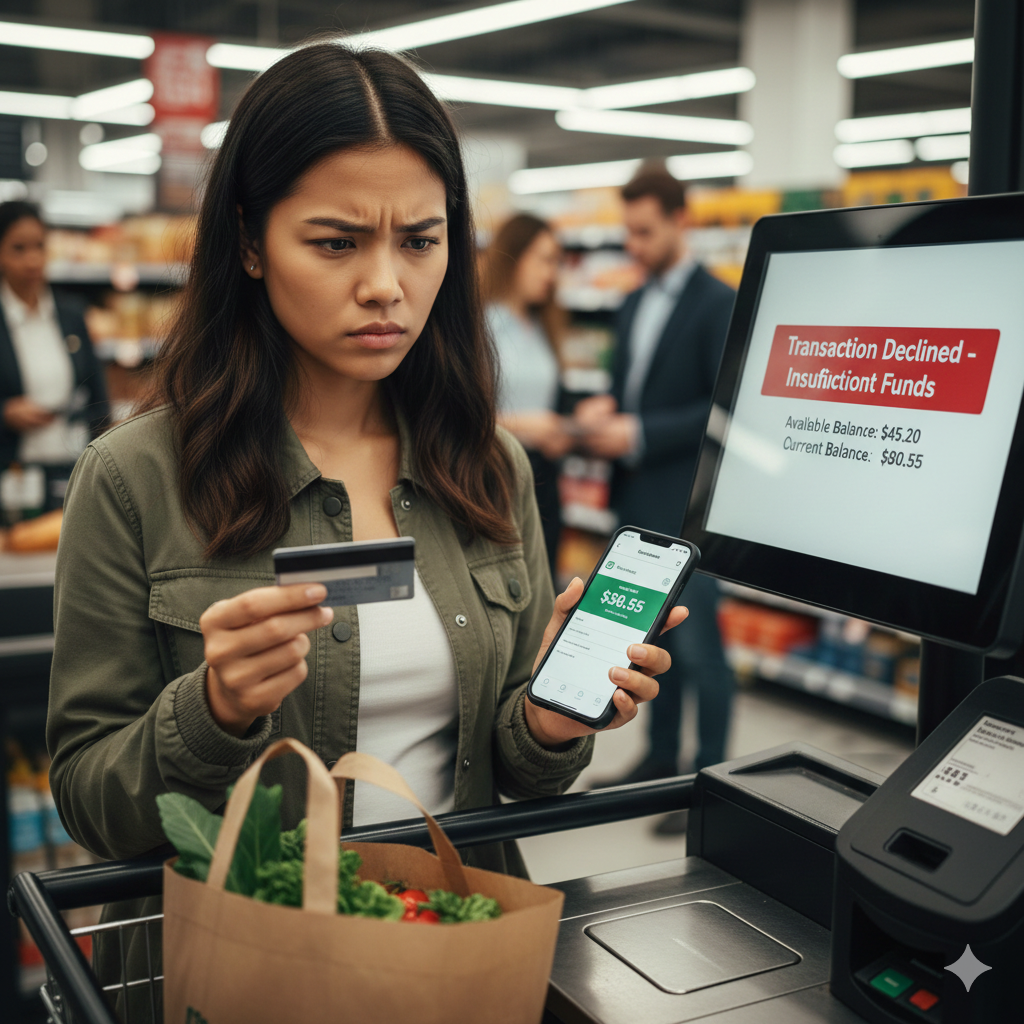
This is the #1 reason for “phantom” declines. Your bank statement usually shows two numbers:
- Current (Ledger) Balance: The total amount of money actually in your account.
- Available Balance: The money you can actually spend right now.
The Gap: If you just filled up at a gas station or checked into a hotel, they may have placed an “Authorization Hold” of $100+. That money is still in your account (Current), but you can’t spend it (Available) until the merchant releases the hold.
2. The “App Refresh” & Freeze Toggle
Before calling the bank, open your mobile app:
- Check the Toggle: It is very common to accidentally “Freeze” or “Lock” your card in the app. Ensure the card status is “Active.”
- Daily Limits: Most banks in 2026 have a default daily spending limit (often $1,000–$5,000). If you just bought a new laptop, you may have reached your limit even if you have $50,000 in the bank. You can usually increase this limit instantly inside the app.
3. Try a Different Terminal or Method
Sometimes, it’s not your card—it’s the store’s machine.
- The “Chip” vs. “Tap” Rule: If your contactless tap fails, try inserting the chip. If the chip fails, ask the merchant if they can manually enter the card number.
- Technical Glitch: If the store’s internet is slow, the transaction can “time out,” triggering a generic decline message. Trying a different register can often solve the problem.
4. Fraud Algorithm “False Positives”
Banks use AI to monitor your spending. A decline might happen if:
- You are shopping in a new zip code.
- You are making a “big ticket” purchase at a store you’ve never visited.
- You made three small purchases at the same store in a row (this looks like a bot testing the card).
Emergency Checklist: Fix it in 60 Seconds
| Step | Action | Why? |
| 1 | Insert Chip & PIN | Resets the contactless security counter. |
| 2 | Check “Available” Balance | Confirms you aren’t hit by a merchant hold. |
| 3 | Check App “Freeze” | Ensures you haven’t accidentally locked the card. |
| 4 | Check for SMS Alerts | Your bank may have sent a text asking “Was this you?” |
| 5 | Switch to Digital Wallet | Apple/Google Pay use different security “tokens.” |
5. What to Say to the Bank
If none of the above work, you have to call. Use the number on the back of your card. To speed up the process, say:
“I have a sufficient available balance, but my card was just declined at [Store Name]. Is there a fraud block or a daily limit restriction on my account?”
Conclusion
A declined debit card is usually a “communication error” between the store and the bank, not a sign of financial trouble. By checking your Available Balance and your App Settings, you can usually solve 90% of declines without ever leaving the checkout line.
Disclaimer: This article is for informational purposes only. FixMyCard.com is not a financial institution. For specific account errors, always contact your bank’s customer service department.
Recommended Reading
If you found this guide helpful, you might also want to check out these related troubleshoot and card-fixing tips: