
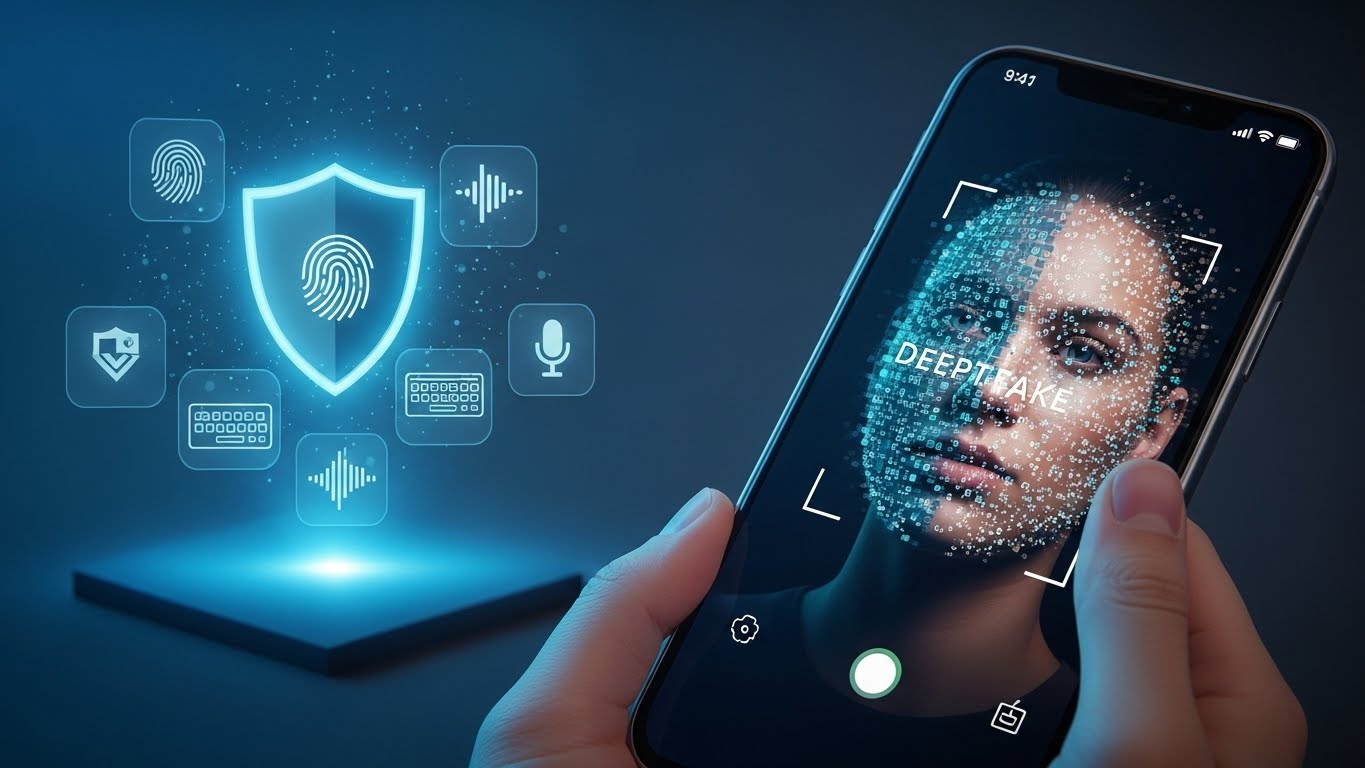
For years, we’ve been told that our face is our “perfect” password. But in 2026, the game has changed. Cybercriminals are now using “Persona Kits”—advanced AI packages that include a deepfake face, a cloned voice, and a synthetic identity—to defeat standard liveness detection in seconds.
If you’ve noticed your bank app asking you to perform strange new tasks—like nodding, blinking, or even reading a specific sentence out loud—it’s because a simple face scan is no longer enough. At FixMyCard.com, we’re explaining the new “Multimodal” security world and how to stay one step ahead of the fakes.
Why “FaceID” is failing in 2026
Standard facial recognition looks for a “match” between your live selfie and your ID photo. However, scammers have found two major loopholes:
- Video Injection Attacks: Instead of holding the phone to a real face, scammers use “virtual cameras” to feed a deepfake video directly into the banking app’s data stream. The app thinks it’s seeing a live person, but it’s actually seeing a high-definition AI puppet.
- Persona Kits: For as little as $50 on the dark web, criminals can buy a full identity “kit” that has already been tested to bypass the specific security of major banks.
- The “Liveness” Illusion: Older systems checked for eye blinks to prove “liveness.” Modern AI can now simulate blinks, micro-expressions, and even the way light reflects off human skin (photoplethysmography).
The 2026 Solution: Multimodal Biometrics
To fight back, global banks are moving toward Multimodal Biometrics. This means instead of trusting one signal, the app looks for a “Chain of Trust” across multiple factors:
- Behavioral Biometrics: The app now monitors how you hold your phone, the speed at which you type your PIN, and the specific rhythm of your “swipe.” A deepfake bot can’t easily mimic the unique “jitters” of a human hand.
- Camera Integrity Checks: New 2026 security updates (like those from Build38 or iProov) now verify that the video is coming from the physical camera hardware, not a software emulator.
- Voice + Face “Lip-Sync”: Some banks now require you to speak while scanning. The AI checks if your lip movements perfectly match the audio frequencies of your voice—a task that still causes “glitches” in most real-time deepfakes.
What users can check themselves
You don’t need to be a tech expert to protect your account. Perform these three security audits today:
- Check Your “Liveness” Settings: In your bank app settings, look for “Enhanced Security” or “Active Liveness.” If your app offers a “nod and blink” requirement instead of a static photo, enable it. It is more annoying but much harder to spoof.
- Update Your “Voice Print”: If your bank uses voice-ID for phone support, call them to “Refresh” your voice print. 2026 models are much better at distinguishing between a real human throat and an AI-generated voice.
- Monitor “Device Health”: If your phone is “Rooted” or “Jailbroken,” your bank’s anti-deepfake tools may not work. Scammers love compromised phones because they can bypass the camera’s security layers easily.
Frequently Asked Questions
Can a deepfake use my card at an ATM? Not usually. ATMs still rely on a physical card and a PIN. Deepfakes are primarily a threat to mobile banking apps and digital onboarding (opening new accounts in your name).
Why does my bank app say “Environment Not Secure”? This usually happens if you are using a “Virtual Camera” app or a screen-sharing tool (like Zoom or TeamViewer). The bank blocks the scan because it can’t verify that the image is “live.”
Is a fingerprint safer than a face scan? In 2026, fingerprints are actually considered “lower security” for remote transactions because they only prove someone touched the phone—they don’t prove who is behind the camera.
What should I do if my bank app is “fooled”? If a transaction is made that you didn’t authorize, even via a face scan, contact your bank’s Fraud Department immediately and mention you suspect a “Deepfake Injection Attack.”
When to contact the bank
You should call your bank if:
- Your face scan is repeatedly declined even in good lighting.
- You receive a notification that your “Biometric Profile” was updated or changed.
- You see an “Identity Verification” request while you aren’t even using the app.
Recommended Reading
- [How Scammers Use Your Card in Their Digital Wallet] Learn how deepfakes are used to “verify” your card on a thief’s smartphone.
- [Agentic Commerce 2026: Should You Let Your AI Assistant Use Your Credit Card?] If an AI is spending for you, how does the bank know it’s your AI? Find out here.
- [The “Digital Arrest” Scam: Why the Bank Will Never Video Call You] Don’t be fooled by a deepfake “officer” on a video call. Know the red flags.
Mandatory Disclaimer This article is for informational purposes only. FixMyCard.com is not a bank or security firm. For specific security settings, always refer to your financial institution’s official documentation.