
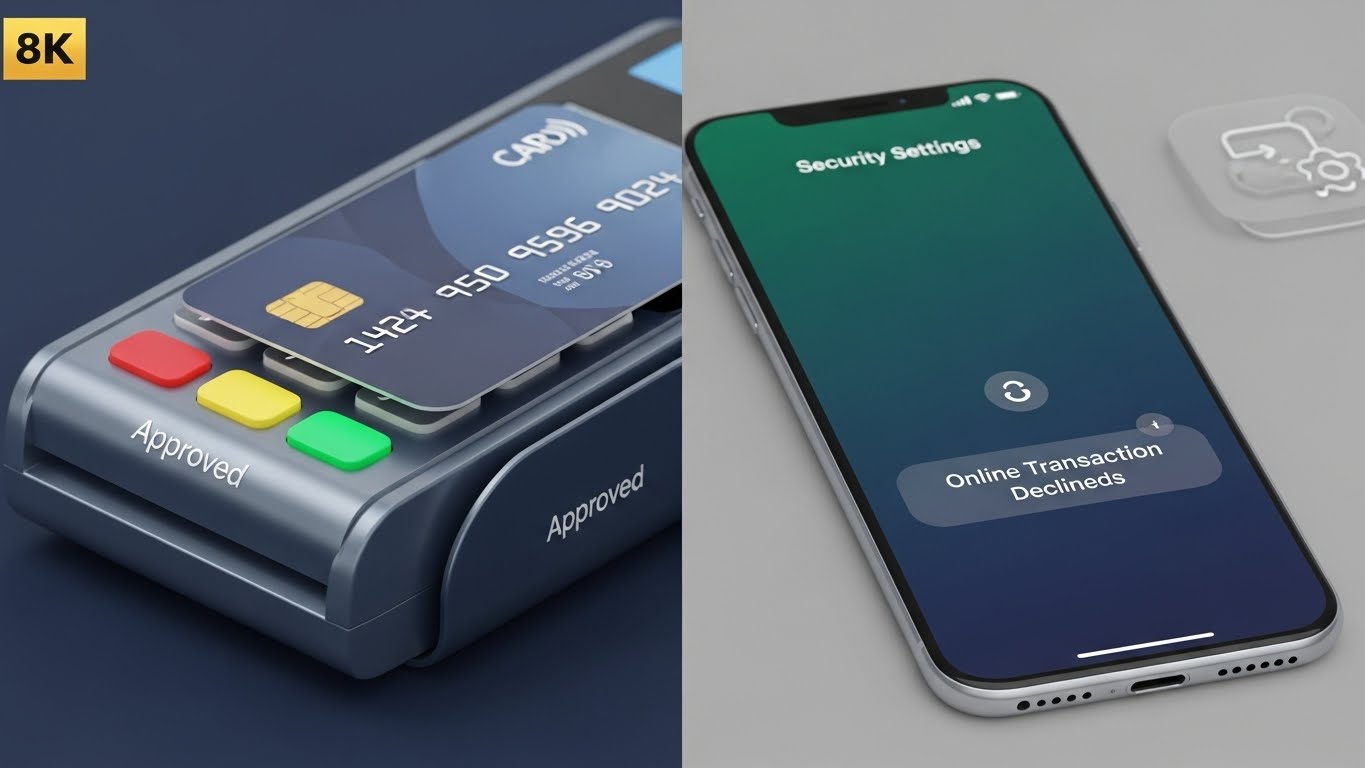
Receiving a “Transaction Declined” message online is frustrating, especially if your card worked at a store or ATM moments ago. If your balance is sufficient but the payment fails, you are not alone.
This common issue usually involves security settings or minor technical details rather than a lack of funds. This article explains why these declines happen and provides quick steps to help you resume your shopping.
Common reasons this happens
In many cases, the reason a card works in person but fails online is due to how banks distinguish between “Card-Present” and “Card-Not-Present” transactions.
- Security Settings for Online Purchases: Many modern banking apps allow you to “toggle” online payments on or off. If this is turned off, your card will work perfectly at a physical register but will be automatically declined by your bank’s security system for any web-based purchase.
- The “Available” vs. “Current” Balance: This usually happens when you have pending transactions. Your “Current Balance” shows all your money, but your “Available Balance” is what you can actually spend. If a hotel or gas station has placed a temporary “hold” on your funds, you might have less spendable money than you think.
- Daily Transaction Limits: Banks often set different limits for different types of spending. You might have a high limit for in-store “taps” but a lower daily limit for online transactions to protect you from potential fraud.
Technical or security-related causes
Banks use complex AI systems to protect your money. Sometimes, these systems are a little too cautious.
- Verified by Visa / Mastercard ID Check: Most online stores now require a second layer of security (often a code sent to your phone). If your phone number isn’t updated with your bank, or if the “3D Secure” window fails to pop up, the payment cannot be authorized.
- Incorrect Card Details: It sounds simple, but a single digit wrong in the CVV (the 3-digit code on the back) or an old expiration date saved in your browser’s “Autofill” is one of the most frequent causes of a decline.
- Merchant Security Filters: Sometimes the store itself might decline a card if your billing address doesn’t exactly match the one your bank has on file, or if you are using a VPN that makes it look like you are in a different country.
What you can check yourself
Before calling the bank, there are a few quick things you can verify:
- Check the App Toggle: Open your mobile banking app and ensure “Online Transactions” or “International Payments” are enabled.
- Verify Your Billing Address: Ensure the address you typed into the website matches the one on your bank statement exactly.
- Clear Your Browser Cache: Sometimes old data saved in your browser can interfere with the payment gateway.
- Try a Different Device: If a website’s payment window isn’t loading, trying it on a mobile phone instead of a laptop can often fix the issue.
Frequently Asked Questions
Why does my card work locally but not online? This usually happens because online payments are treated as higher risk. Your bank may have a specific security block for web transactions that isn’t applied to physical store purchases.
Can a bank block international payments automatically? Yes. For security reasons, many banks default to blocking transactions from foreign websites unless you manually “whitelist” or enable international spending in your settings.
Is it safe to retry the payment? If you suspect you typed a number wrong, retrying once or twice is generally fine. However, making too many failed attempts in a short window may cause the bank to temporarily freeze your card for your own protection.
Will my card be unblocked automatically? If it was a simple “limit reached” issue, it usually resets at midnight. However, if the bank suspected fraud, you will likely need to speak with them to verify the activity before the card can be used again.
Does “Available Balance” include pending transactions? Yes. Always look at your “Available Balance” to see exactly how much you can spend right now. The “Current Balance” may include money that is already “spoken for” by other pending payments.
When to contact the bank
While the steps above solve most issues, there are times when only your bank can help. You should consider reaching out if:
- You have checked all your settings and the card still fails.
- You suspect your card information may have been compromised.
- Your banking app shows a “Fraud Alert” or asks you to call a specific number.
When you call, it is helpful to have the exact date, time, and amount of the declined transaction ready so the representative can look up the specific “Decline Code.”
Conclusion
A declined payment is frustrating, but it is almost always a temporary technical or security hurdle. By checking your app settings and ensuring your information is typed correctly, you can resolve most issues in minutes. Remember, these security measures are there to act as a “shield” for your hard-earned money.
Disclaimer: This article is for informational purposes only. FixMyCard.com is not a bank or financial institution. For account-specific issues, please contact your bank or card issuer directly.
READ MORE: Debit Card Declined but I Have Money? 7 Quick Fixes